

Person
Profile photos, headshots, team pages
Create clean, professional images with a transparent background in seconds.
or browse from your device
JPG, PNG or WebP • Up to 15 MB You can also paste with Ctrl + V
Hair, glossy paint, fingers and fine edges are separated from the background automatically, leaving a transparent image you can place anywhere.
Profile photos, headshots, team pages
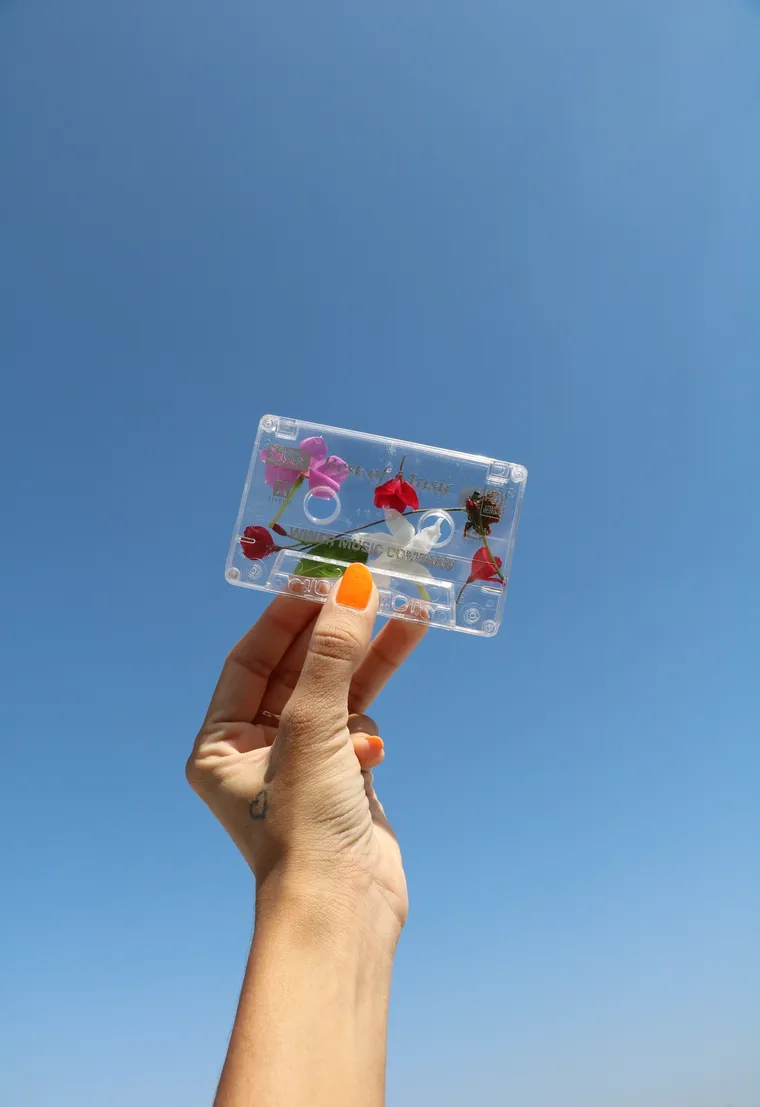
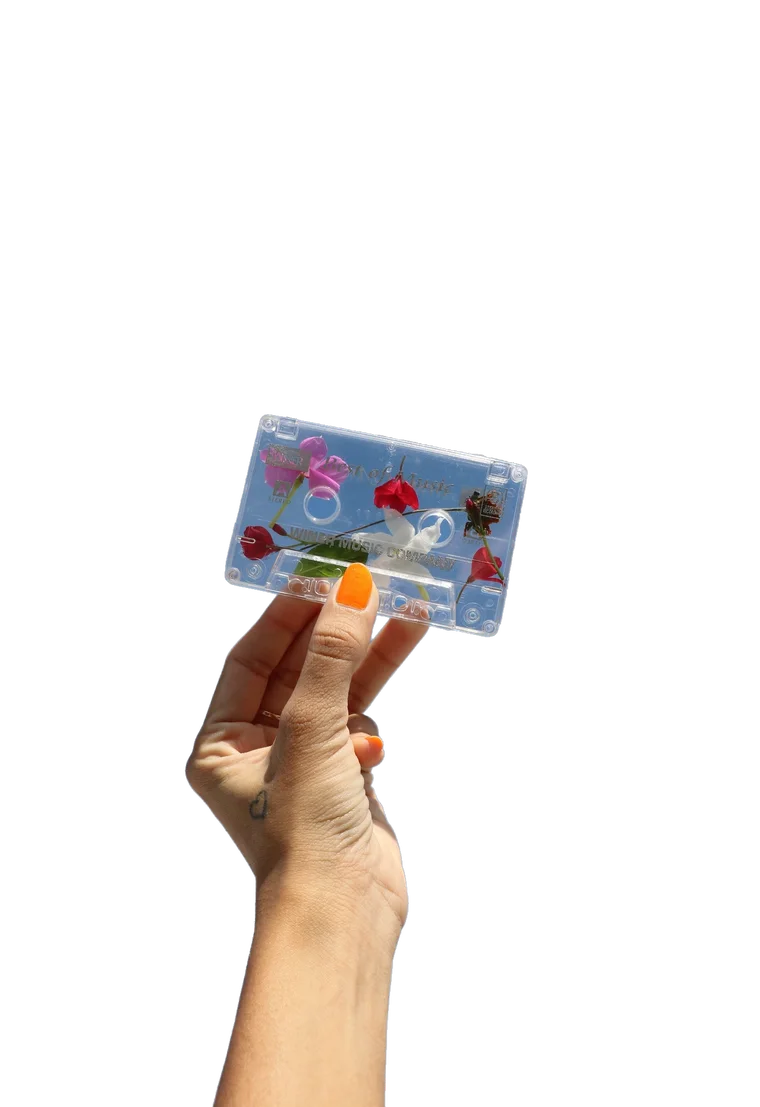
Store listings, catalogues, ads


Dealer listings, posters, mockups
From busy backgrounds to clean, ready-to-use images.
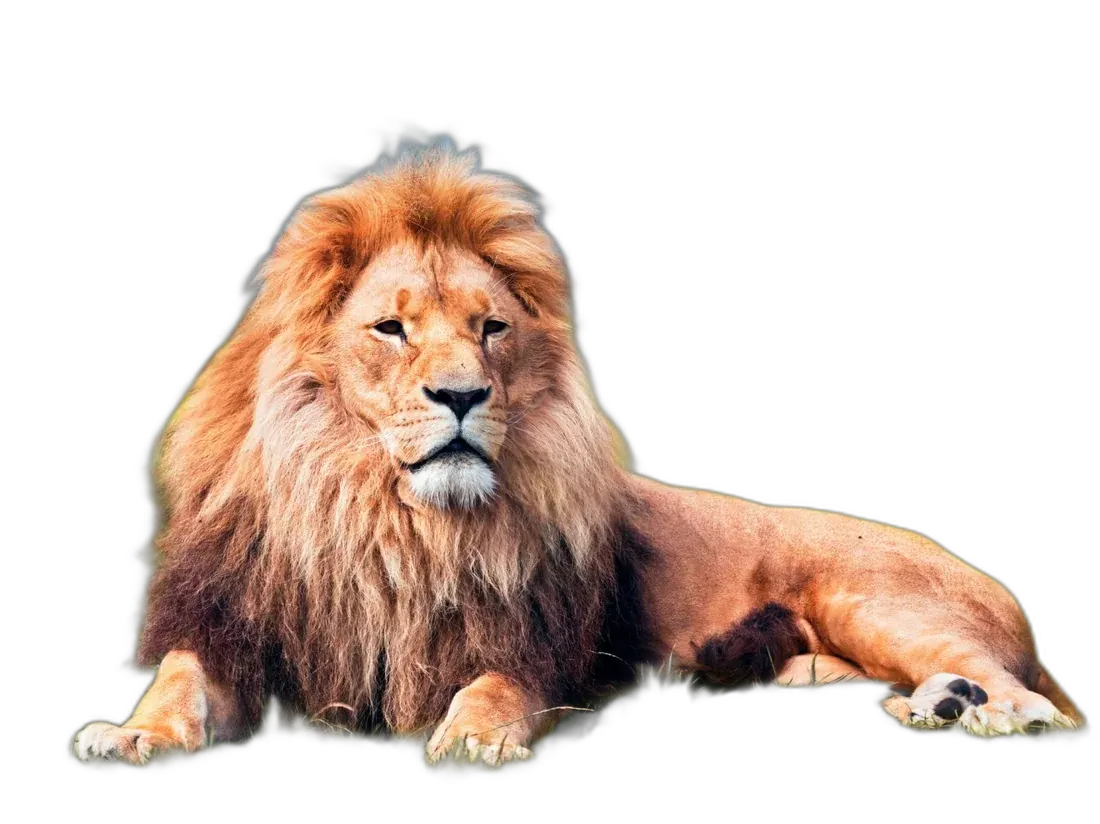
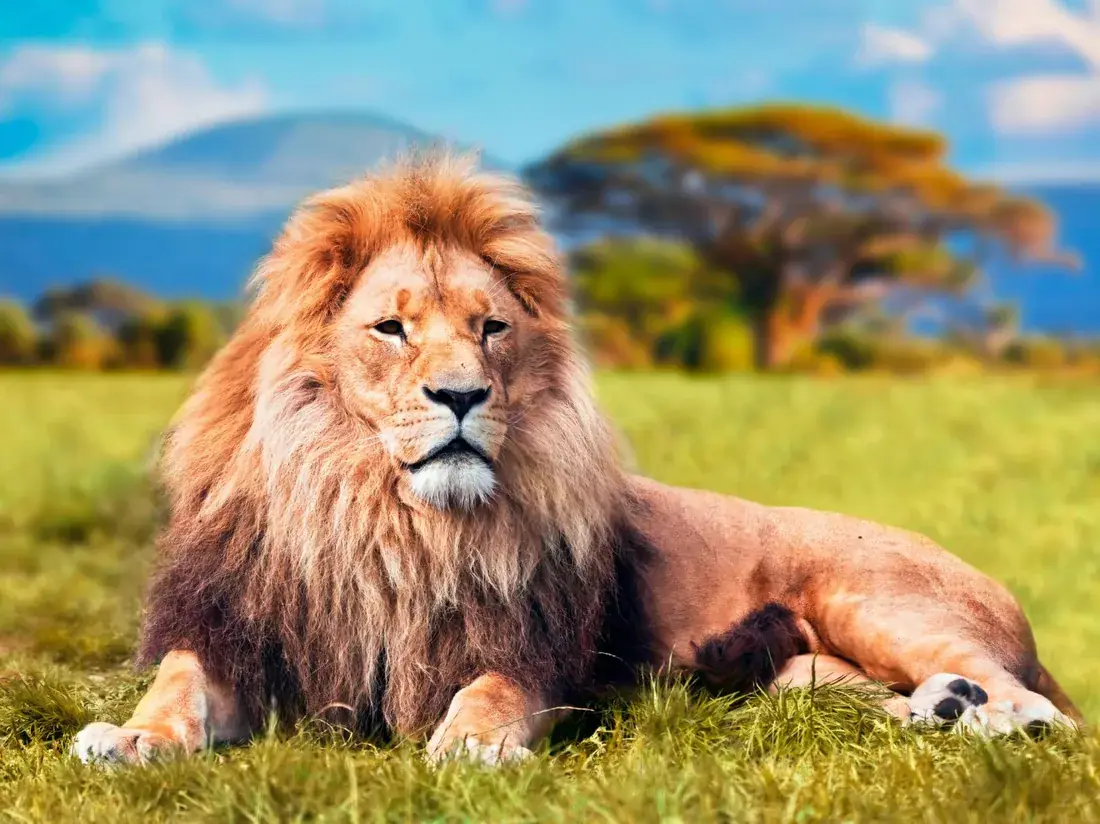
No lasso tools, no layers, no masks to paint by hand. Upload the photo and let removebg.center do the tracing.
Choose an image from your phone or computer.
Our AI identifies the subject and removes the background.
Download your transparent PNG and use it anywhere.
Remove backgrounds without manually tracing objects.
Download images with a transparent background.
Designed for clean edges around people, products and objects.
Get your result without complicated editing software.
Make background removal from your phone, tablet or computer.
Free, private tools for everyday image jobs.
A transparent image drops straight into a shop, a profile, a banner or a design file.
Remove backgrounds from product photos.
Create clean profile pictures and promotional graphics.
Prepare professional images for campaigns.
Create transparent assets for websites and graphics.
Every image below started as an everyday photo. Tap “Show original” to see where it came from.
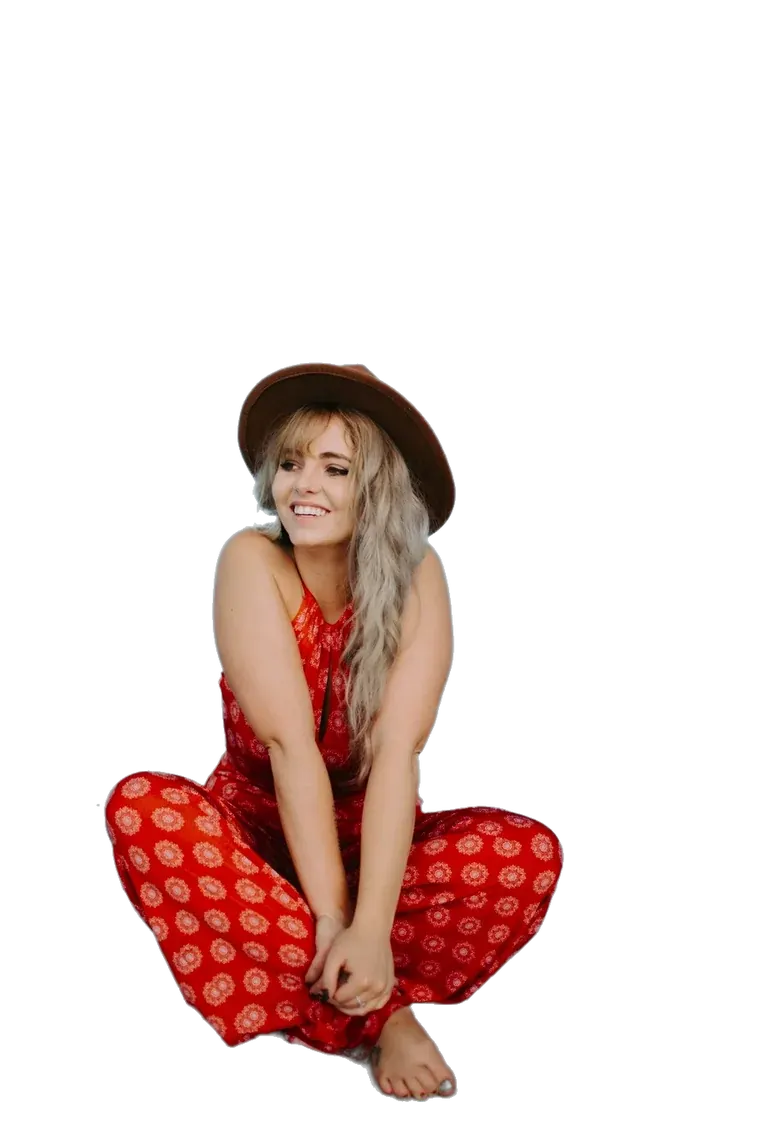



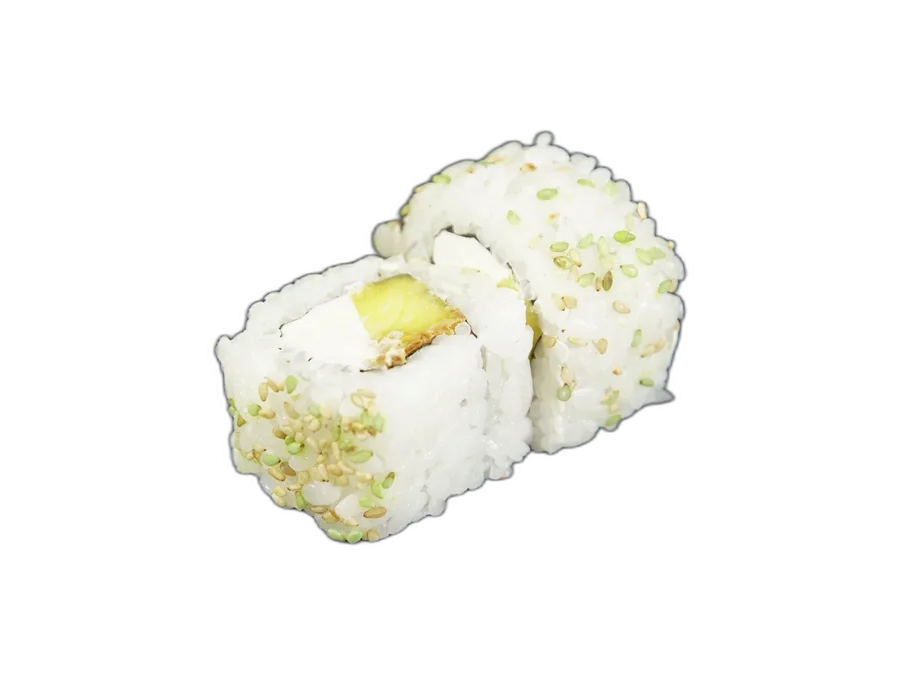
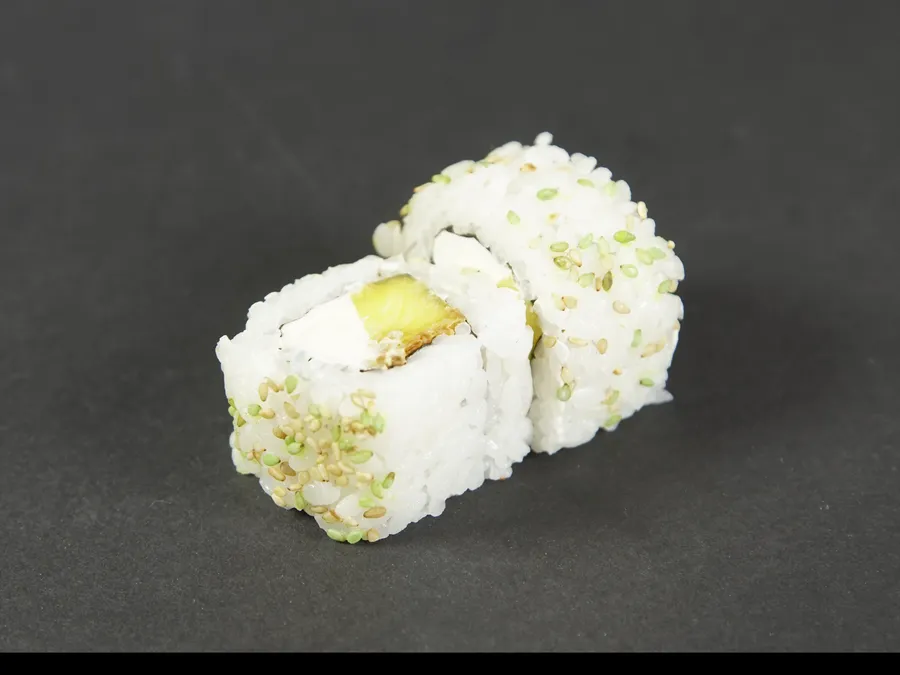
Try removebg.center and see how easy image background removal can be.
Upload an Image No account needed. Your photos stay on your device.Short answers about removing backgrounds with removebg.center.
Yes. You can remove backgrounds from your images for free.
No. The background is removed inside your browser, so your photos never leave your device.
JPG, PNG and WebP images.
Each image can be up to 15 MB.
Yes. Results download as a PNG with a transparent background, ready to place on any colour or design.
Yes. It works in the browser on phones, tablets and computers — no app to install.
Yes, as long as you own the original photo or have the right to use it.
Usually a few seconds. The first time, your browser downloads the remover (about 2.4 MB); after that it is saved on your device and starts instantly.